
Launch a mission today,
secure a pilot tomorrow
Connect with drone pilots who understand your goals. Choose whether to require certification and hire the best fit for your operations.




How to Create a Mission
Create Your Account
Start by creating your DroneEye client account. Once registered, you gain access to mission tools, pilot profiles, and a streamlined dashboard to manage everything from takeoff to landing.
Launch a New Mission
Open Mission Control from your dashboard and click Create Mission. Choose between a single-pilot mission or a multi-pilot mission depending on your needs. Multi-pilot missions let you assign multiple pilots to complex or large-scale operations.
Define Your Mission Brief
The Mission Brief is the blueprint of your operation. Here you specify: mission location, objectives, required deliverables, timeline, special conditions or environment details. A clear brief helps pilots respond with accurate proposals and guarantees a smoother mission.
Receive Ranked Pilot Proposals
Once your mission is published, pilots begin submitting proposals. Our ranking algorithm automatically scores every applicant by qualifications, certifications, equipment match, ratings, and proximity — presenting them in a visual side-by-side view so you can compare and pick the best fit in seconds.
Assign Your Top-Ranked Pilot & Track the Mission
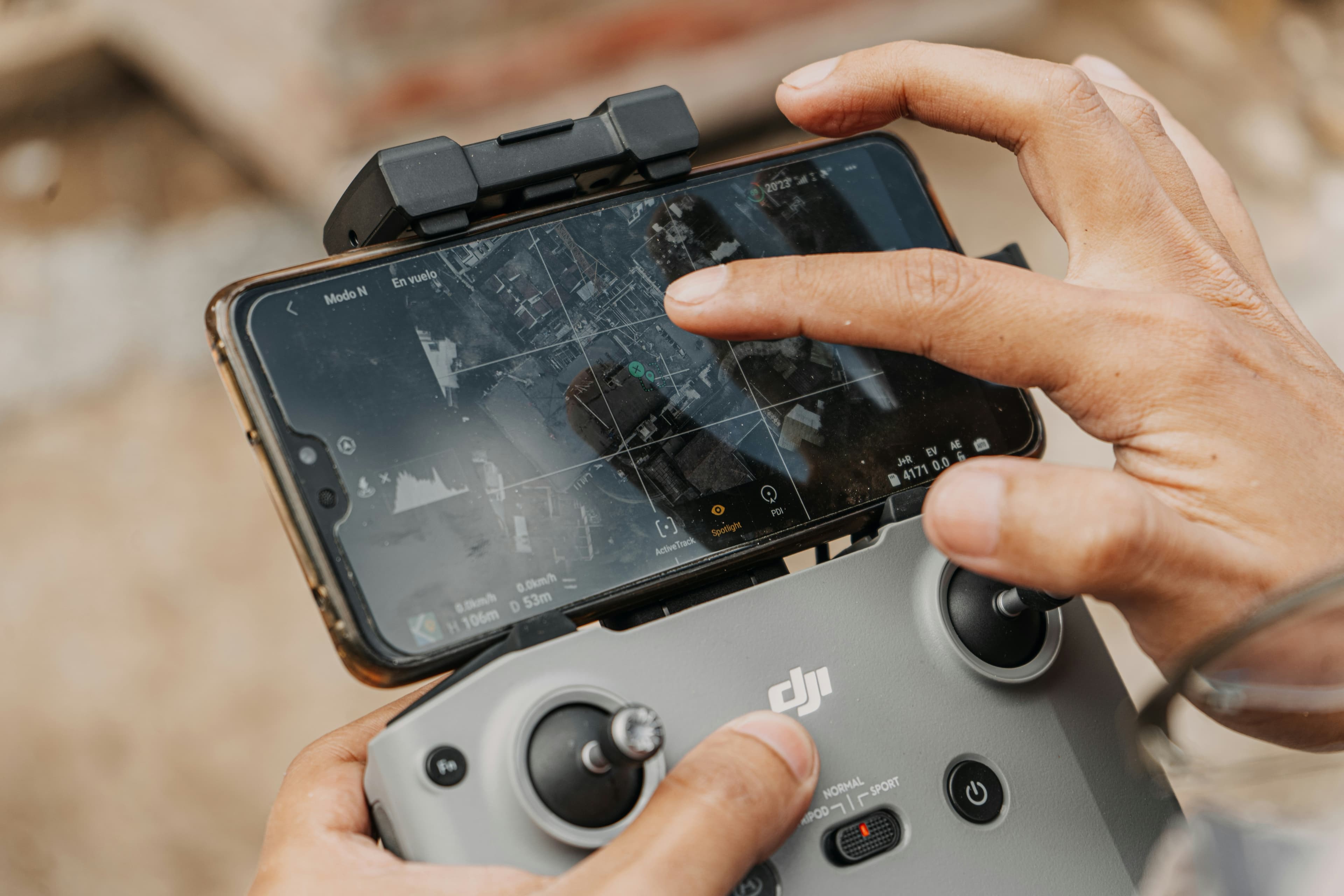
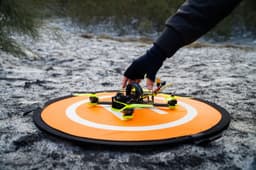
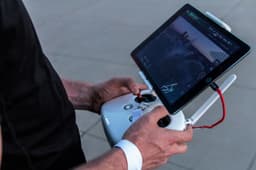
The algorithm has already ranked your applicants — pick the top match, confirm details through the Mission Channel, and your mission enters In Progress. The pilot prepares equipment, launches the flight, and you track progress directly from Ground Control.
Review Deliverables & Rate Your Pilot
After landing, the pilot uploads all deliverables — images, videos, maps, inspection results, or analytical data. Review the results and leave a rating. Your review helps other clients and keeps the platform quality high.